
Generating an API token
-
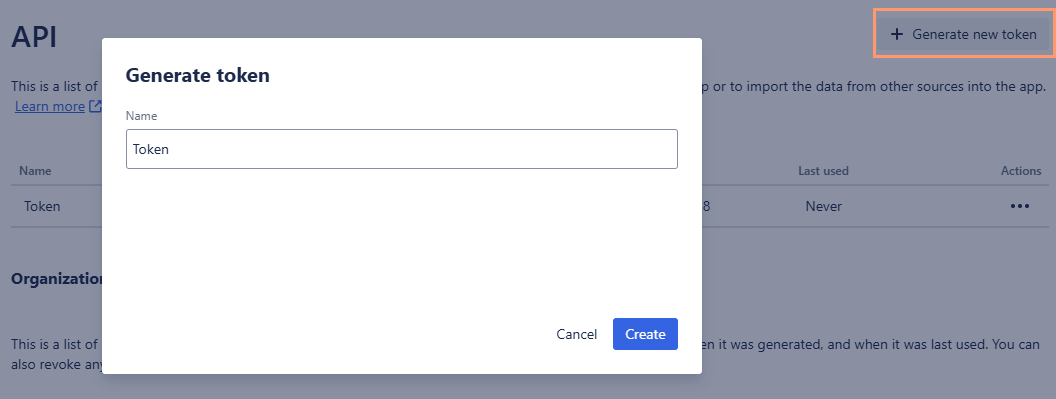
From the OKR module, go to the Settings page > API page, click +Generate new token.
-
Click the Generate new token button in the top right corner of the page.
-
Give the token a name and click Create.
-
Use the Copy button to copy the generated API token. Store it securely, as you will not be able to retrieve it later. Click Close to close the modal.
-
A new API token for your organization is now listed at the top of the API page.
Authentication
All requests made to the BigPicture OKR module require authentication using your generated API token. This is achieved by including an API-Token header in your requests. If the header is not present, you will receive a “400 Bad Request” response.
Make sure you use the API-Token header, not the Authentication header.